Occasionally Deltek Vantagepoint has a token that expires due to:
- Update to the Vantagepoint Software
- Administrators resetting an API Integrations connections
- A change to user security with user based permissions enabled in the API that requires a reset
- A change in licensing or other system level configuration.
When this happens, follows these steps to correct the issue:
1. Login to https://app.blackboxconnector.com/
2. Select your Connector Instance and click on the DataSources button, then the Deltek Vantagepoint Data Source
- S
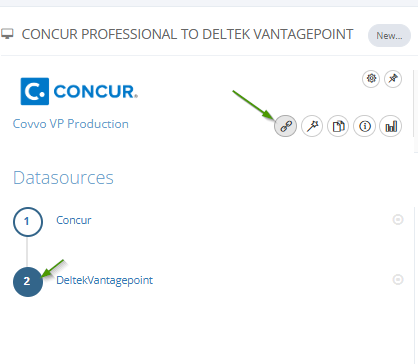
3. Click Authenticate and Get Token

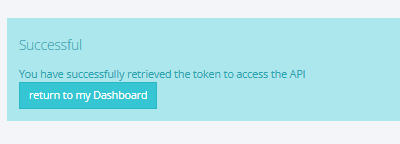
4. If you receive a success message, your are authenticated and ready to go.