
If there is a script with your report, submit the scripts (*.sql files) to your hosting provider requesting that they be run against your Deltek database. If you host with Deltek, follow the remaining steps. For other hosted providers, ensure you submit the report files as well as the script with these instructions.
(NOTE TO HOSTING PROVIDERS: If you have not enabled the ability for users to upload their reports, please place the report files in the same location as specified for on premise implementations).
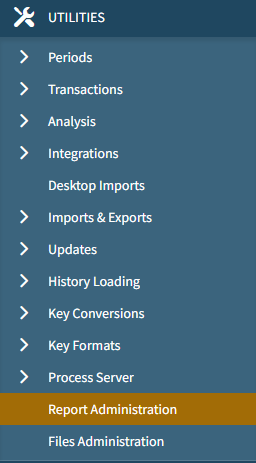
Once confirmation of the script being run has been received, Launch Vantagepoint Desktop Application and navigate to UTILITIES > REPORT ADMINISTRATION.
On the Custom Reports tab, delete any reports you are replacing and click Save, then upload the new iterations. Ensure that you are selecting the correct directory.
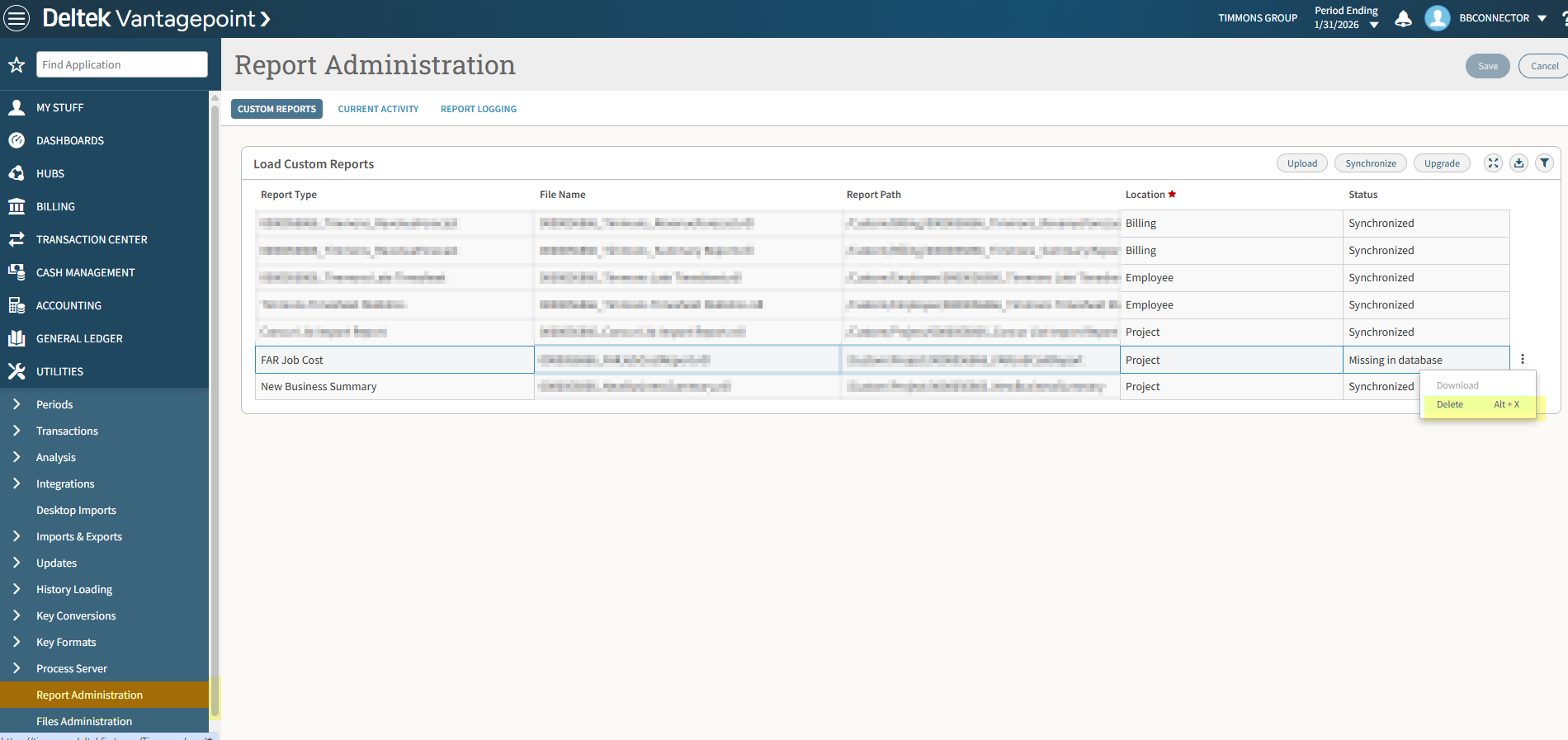
Click UPLOAD when completed and upload the files you wish to replace.

Click SAVE and then you are finished.